Showing posts with label security. Show all posts

Monday, December 23, 2013

Powershell: FTP Module

I've been learning Windows Powershell over the past year, and developing scripts for scheduled tasks to perform administrative functions. One of the tasks requires data retrieval from an FTP server, waits for the data to be processed, and then puts the results back to the FTP server.

Lot's of FTP functions have been written and are freely available, but I've found Michal Gajda's PSFTP client module the easiest and most efficient method. It has functions to set multiple connections, and list, get, put, and remove files and folders.

Import-Module

The PSFTP module is not native to Powershell. To use the module, download and install, then import to access it's functions and perform FTP processes.
  1. Download from http://gallery.technet.microsoft.com/scriptcenter/PowerShell-FTP-Client-db6fe0cb
  2. Extract the module to your PS Module folder (found at $env:PSModulePath)
  3. Import-Module using Import-Module PSFTP

Local Variables

Now for the administrative task I was working on. Some local variables are declared for use throughout the script:
$ftp_server = "ftp://example.server.com"
$ftp_path = "$ftp_server/folder1/subfolder2"
$local = "\\localserver\sharedfolder1\subfolder2\"
$local_in = Join-Path $local "In"
$local_out = Join-Path $local "Out"
$session = "my_ftp_session"

Credentials

The connection credentials should not be stored in clear-text, but loaded from a SecureString file (which has been created using the appropriate account on the appropriate server). To establish the credentials:
# set up credentials object
$username = "username"
$password = Get-Content "pscredentials_$username.txt" | 
ConvertTo-SecureString
$cred = New-Object `
-TypeName System.Management.Automation.PSCredential `
-ArgumentList $username, $password

Get Items

To input the files from FTP to local folder:
# establish connection
# get *.REQ files
# copy *.REQ files to local In folder
# remove *.REQ files from FTP server
Set-FTPConnection -Server $ftp_server -Credentials $cred `
-Session $session -KeepAlive -UseBinary
Get-FTPChildItem -Path $ftp_path -Filter *.REQ -Session $session | 
% {
$ftp_file = "$ftp_path/$($_.Name)" # determine item fullname Get-FTPItem -Path $ftp_file -LocalPath $local_in ` -Session $session -Overwrite Remove-FTPItem -Path $ftp_file -Session $session
}

Put Items

After the data arrives at the local In folder it is processed by a separate application, which returns output to the local Out folder. It can then be put to the FTP server with:
# get all files in local Out folder
# put all files to FTP server
Get-ChildItem -Path $local_out |
% {
$ftp_file = "$ftp_path/$($_.Name)" # determine item fullname Add-FTPItem -Path $ftp_file -LocalPath $_.FullName -Session $session
}

Notes

  1. The Get and Put actions have been performed within foreach loops ( % {} ) for logging purposes, such that action results are recorded to a text file for later reference. It would be more efficient to pipe the ChildItem results directly, but logging is important for historical tracing and action confirmation.
  2. The code lines could be shorter with the use of aliases, for example, by replacing Get-ChildItem with ls, and Copy-Item with cp. I don't use aliases (except foreach loops) for a couple of reasons:
    • using aliases doesn't make code production faster (due to Tab completion)
    • using full commands makes code more readable

Powershell is a great tool for Windows administration. I hope to continue learning thanks to the Scripting Guy, and shared script resources. How have you used Powershell?

Saturday, July 13, 2013

PRISM: Anti-Trust, Chrome and Tor, and Media Avoidance

Sneakers (1992) is one of my fav movies. In it Robert Redford leads an ethical hack team (played by Sidney Poitier, David Strathairn, Dan Aykroyd, and River Phoenix) down a rabbit hole of cryptography, government espionage, and too many secrets. Ever since, I've always assumed there is state-sponsored network monitoring, especially after the FBI implemented Carnivore in 1997, and ECHELON was reported in 2001.

On 06-Jun-2013 news broke of state-sponsored surveillance known as PRISM, which reportedly utilises corporate collected data to monitor customer online activities and communications.

+Steve Gibson explained PRISM as an industrial-scale implementation of big-data (Security Now #408), and TWIET #46 discussed the inherent lack of trust in government. It is apparent that the state believes it's citizens are guilty unless proven data-less.

The issue isn't whether or not secret state surveillance is happening. The issue is, why is it secret at all? And how will the captured data be stored and used?

Anti-Trust

Supporters of state-sponsored surveillance argue "If you're not doing anything wrong, you have nothing to hide." Unfortunately this reasoning is not applied to PRISM itself; if it's so good, why was it secret?

An intelligence official released a declassified document on 15-Jun-2013 to "show Americans the value of the program" according to AP. However the program had previously been too good for public recognition.

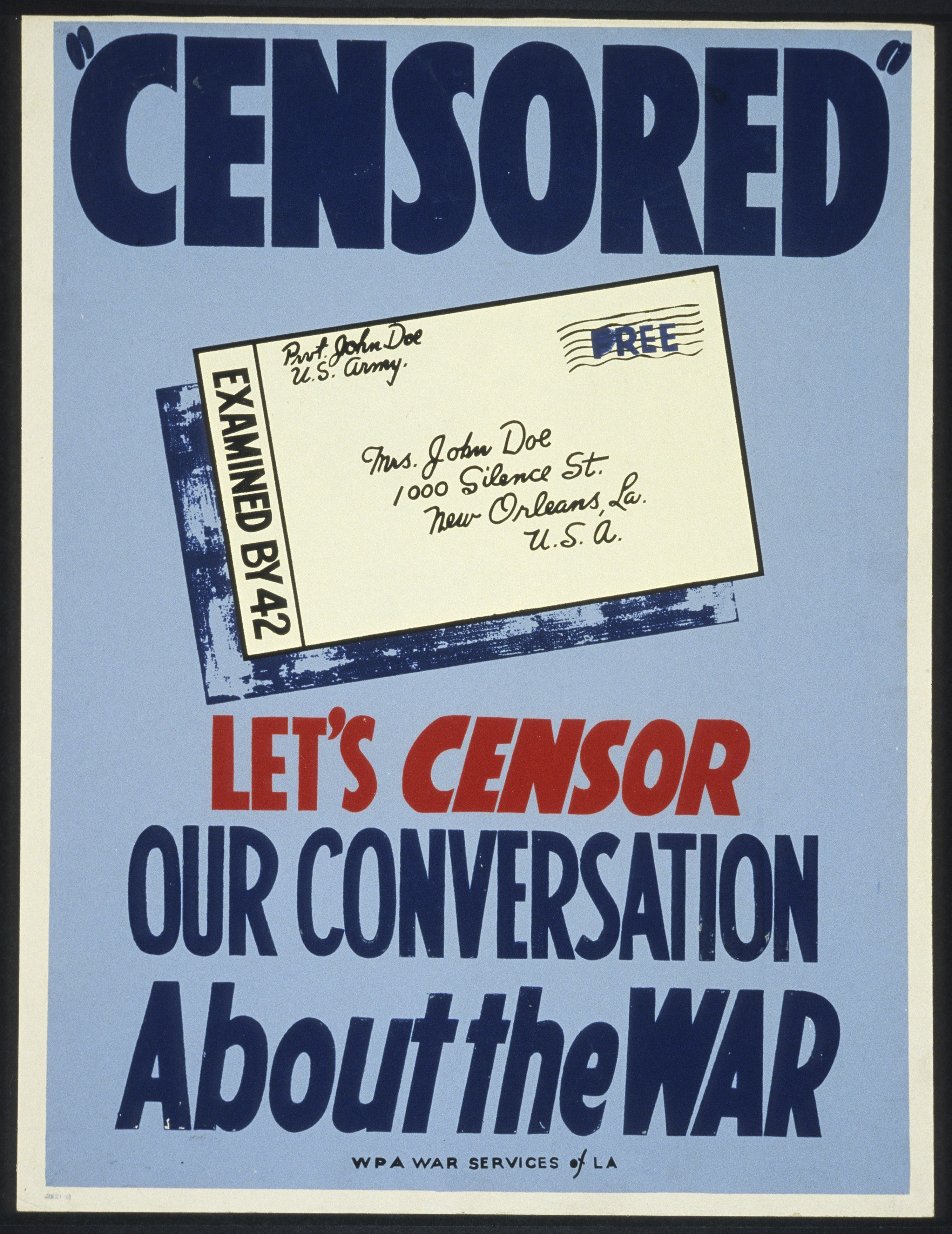
During times of war, civil mail has been intercepted and even censored. In those cases, the public was notified that their communications  had been observed by a state-sponsored agency. The state looked at (and sometimes removed) data, but everybody knew, and understood it was for the greater good of the nation.

PRISM looks at far more than mail meta-data, but currently the public (and the senate) is not permitted to know about it.

Sheriff Analogy

Let's devolve the technology and consider a real-world analogy.

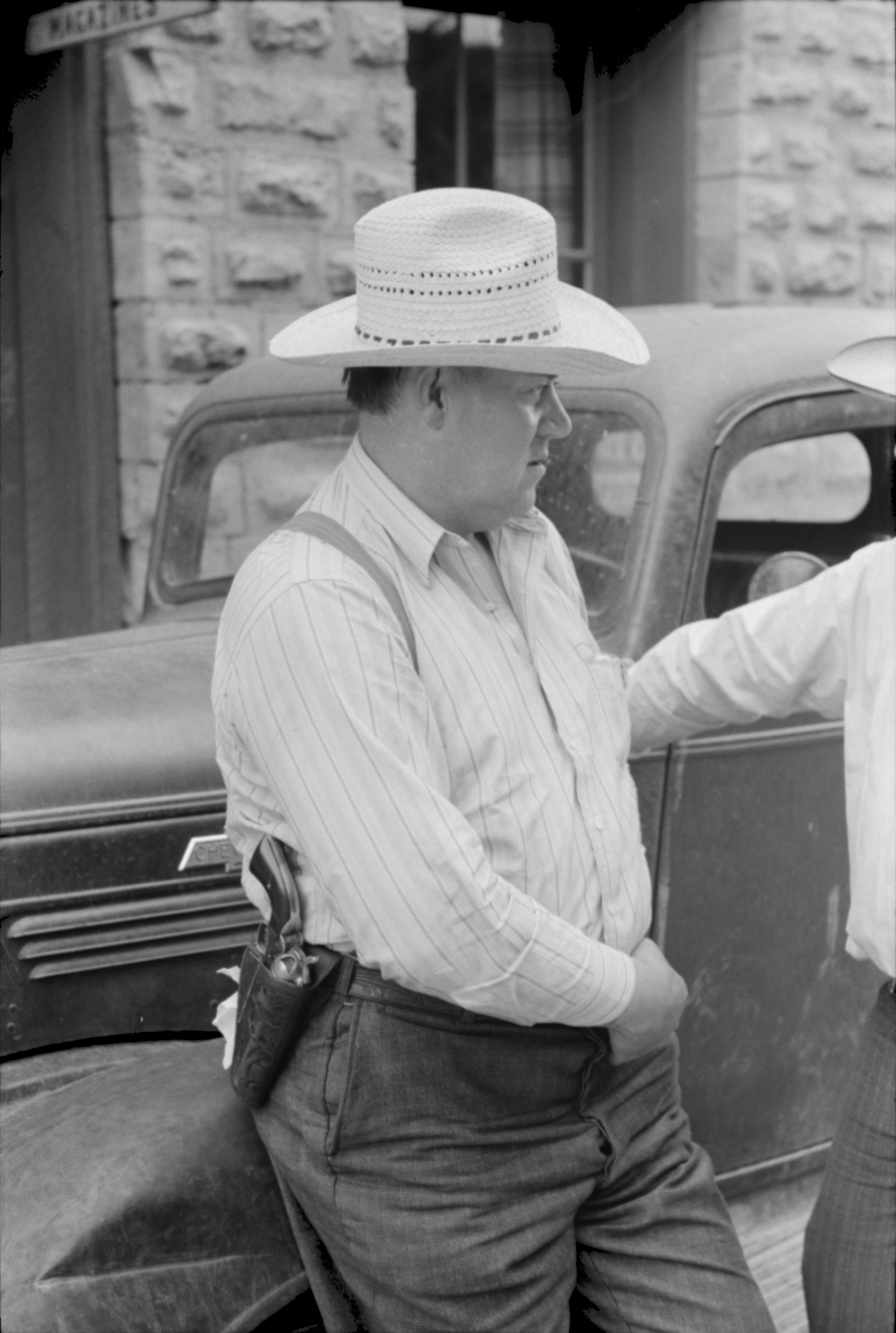
Imagine you live in a small rural town, where everyone knows everyone else, and the Sheriff  Alice cares for and looks after the citizens. While sitting on her porch she watches over Main Street, and notes when something seems out-of-place. With this knowledge she solves and prevents crime.

Unfortunately Sheriff Alice can't watch every street at once, so she gets Deputy Bob and Dylan on patrol, and they take note of everything they see. They report their observances to Sheriff Alice, and prevent crime.

The deputies also record and/or read the mail as it passes through the towns mail sorting centre. This helps them determine who is talking to whom, and what the topic of conversation is.

Unfortunately when criminal Eve sees the deputies, she doesn't commit crime, and she sends her mail in a unknown language. So the Sheriff appoints his deputies as undercover agents, to observe while concealed, and interpret the unknown language. Now they're getting better at preventing crime. Especially when they can keep all of their notes for an unlimited length of time.

So far, all of the deputies notes are of events occurring on public streets in plain view, and all of the mail is passing through a public service.

As far as we know PRISM is only capturing public digital traffic meta-data; looking for communication links and trends. So why is it so secret if it's doing nothing wrong?

What happens to the 5 zettabytes of captured data? If Citizen Carol decides to run for Mayor, and Sheriff Alice doesn't like the Carol (or the incumbent Mayor tells Alice not to like Carol), the deputies can troll through year's worth of historical notes of Carol's actions, often without context, with the purpose of smearing her public-image, or persuading Carol to withdraw from the race.

The surveillance program becomes a mechanism to maintain power with the incumbent powerful. Particularly useful if you wish to dictate policy over a small rural town.

Chrome and Tor

How To: Google Chrome and Tor was published on 08-Jan-2013, primarily after a query from a friend. It outlines how to use Tor to anonymise Google Chrome browsing. This would impede meta-data capture and big-data analysis of web-traffic, because the traffic would appear as originating from the Tor cloud, rather than a personal IP address. However, Tor only anonymises traffic, it does not encrypt it once it's outside the Tor cloud.

Pageviews increased around the time of PRISM disclosure on 06-Jun-2013.


Pageviews jump up in May, before the disclosure (I'm not really sure why). The traffic in May and June is almost exclusively new visitors (91%), spending an average of 3:30 on the post.

For a comprehensive list of PRISM prevention technology, including web-traffic encryption, see PRISM-BREAK.

Media Avoidance

Mainstream media has been focusing primarily on the messenger, and not the message. There are daily updates of the whereabouts of the  leaker, and opinions of whether he is a traitor or patriot. Not much attention has been paid to the PRISM program itself.

This could be because of confusion and misunderstanding of what PRISM is, how it works,  future ramifications, and what it implies about state-policy. As with most mainstream reporting, whether discussing politics, finance, pandas, or motor vehicle accidents,  if it can't be told in 30 seconds, it can't be told.

Media avoidance could also be considered a trust issue; between news producers and the viewing/reading public. Even if media executives understood the security and privacy issues of PRISM, maybe they don't trust their audience to comprehend (or care), and so they choose not to try to discuss so as not to confuse. Unfortunately the lowest-common-denominator wins, and the dumbening continues.

Conclusion

Please let me know what you think.

  • Do you anonymise or encrypt your web-traffic?
  • Should the media be explaining this better to the public?
  • Have you seen Sneakers?

Update

14-Jul-2013

Cameron Murphy (President of NSW Council Of Civil Liberties) spoke on ABC News24 at 13-Jul-2013 10:10AM about similar issues raised by Telstra surveillance. 

Saturday, August 28, 2010

Don't Blink

https://secure.flickr.com/photos/andresrueda/3027534098/in/set-72157622613750829/
Listening to Security Now 263 this week Steve Gibson of GRC discussed Blink, a 'new' form of contactless smart credit card technology. Although this has been around since 2005, it's probably only becoming more common now, and hence a major security issue, as current cards expire and are replaced.

Steve described it as "the dumbest thing I've ever heard of in my life. I'm not kidding."

Basically it's an RFID on your credit card so you can pass your card close to an in-store RFID scanner to make a purchase, instead of having to go to the inconvenience of manually 'swiping' and then having to pick up a pen and physically touch a piece of paper. 'It makes purchasing so much easier!'

Of course, this was developed prior to the current financial crisis, so marketers might not be so keen to tell people to go buy everything on credit.

A security concern that Steve discusses is the possibility of blink skimmers, a 'bad guy' walking around through shopping malls, train stations, and other crowded public areas with a skimming device, getting within inches of your wallet and skimming $25 from your blink credit card in seconds. The skimmer would leave a transaction trail, but could use offshore credit accounts to mask the trail, and hide in a foreign jurisdiction (maybe Nigeria!).

Alternatively, the skimmer might seek to not leave a $25 transaction trail, but instead steal the identity of the card itself, thus leading to credit card fraud on a grander scale. Chase bank state that 3DES symmetric encryption is used during the RFID negotiation and transaction. All you need is the shared key ... a good hacker should be able to determine that key using a bot-net in a couple of years. How long will these cards be around? Can they dynamically change keys?

Some links about the blink contactless card:


So, if you get an RFID on your next credit card / passport / library card, what would you do?