Thursday, August 22, 2013

Distracting Education: Social Media vs Deep Knowledge

Life, Stan Wayman, 1964
I never got to see The Beatles live in concert, but my Mum did. And apparently they were loud; well, the screaming was - she didn't hear much of the music, but she never forgot the experience.

Today, I can listen to The Beatles or watch a performance. I can join an online group to discuss which Beatle was more talented, or better looking. But I can never see them perform live; never enjoy Beatlemania.

Applying this to education; I believe virtual teaching, and embedded social media, are beneficial in some circumstances, but they are inferior substitutes for discussions in a real-world space with an expert mentor and a group of peers. They may in fact distract from a deep learning experience.

Video Conference and shared Interactive Whiteboard

Virtual Classroom

Just like the difference between watching a concert on TV and actually attending the concert, the emotional and sensory difference of watching a lecture online and actually being in the room may be measurable.

There are certain circumstances where virtual is the best you can get. For example taking a virtual excursion through the Powerhouse Museum, and asking the curator about the Enigma machine as he describes it's purpose and function. Much more viable than loading the class on a plane!

But as a learning experience I would argue that it's more memorable and valuable to actually be in the Museum, speaking face-to-face with the curator, and seeing the Enigma in real-space.

After teaching an HSC course via a virtual classroom for two years, virtual may be the best-effort when circumstances prevent real-world interaction; but when possible, real-world experience provides better sensory and memory learning.

http://www.laurenmacewen.com/wp-content/uploads/2012/11/ur-First-blol.jpeg
laurenmacewen.com/category/socialmedia/

Social media

My understanding of the purpose of social media in education is to improve student engagement; to promote shared experiences. I have seen how shared experiences such as in-class debates, performances, brainstorming sessions, and group projects have helped students explore personal qualities in a safe environment which they may have never attempted otherwise.

I've run classroom blogs and forums, and these can engage students (particularly the quiet/shy); but I think a teacher understands the needs of the class far better via direct contact; when you can "see the whites of their eyes".

In general, the "social" classroom (particularly for high-school students), is less about engagement of ideas, and more about discussion of things (e.g. cars), or people (e.g. celebrities).

And, due to the Dunning-Kruger effect, students can not be expected to evaluate their own learning needs, or that of their peers. Consequently, they are unlikely to independently commit time and resources in order to focus on the details and conceptual applications of a new idea; and therefore never acquire deep knowledge or understanding.

In fact, social media may inhibit or distract from real discussions about the core concepts.

http://us.123rf.com/400wm/400/400/rbhavana/rbhavana1012/rbhavana101200545/8368475-neuron-in-isolated-background.jpg
Neuroplasticity

Deep Knowledge

Having an expert mentor to guide you through a field of study is essential.

Deep knowledge and understanding in any subject requires focused time and energy:
  1. to establish links to previous knowledge
  2. to explain, comprehend, and reinforce concepts
  3. to examine conceptual application in familiar and unfamiliar settings

The expert mentor can guide students through the concepts, and peers may contribute additional linking material, but if the social media conversation does not contribute to the depth of knowledge, it might distract and/or detract from the train of thought, drawing focus away from the subject, and disengaging the neural pathways that are required for deep knowledge.

Summary

I believe the best learning environment is with an expert mentor (and maybe some curious peers). Students can interact in real-time, grow as people, and grow in knowledge and understanding, without the filter and delay of intermediary technology. Virtual classrooms and social media are great substitutes if you can't engage in real-world activities due to distance or other circumstances; but they are only substitutes.

Online learning, virtual classrooms, and social media might be best-effort pedagogy, but not best-practice pedagogy. There's nothing like seeing the band perform live.


Saturday, July 13, 2013

PRISM: Anti-Trust, Chrome and Tor, and Media Avoidance

Sneakers (1992) is one of my fav movies. In it Robert Redford leads an ethical hack team (played by Sidney Poitier, David Strathairn, Dan Aykroyd, and River Phoenix) down a rabbit hole of cryptography, government espionage, and too many secrets. Ever since, I've always assumed there is state-sponsored network monitoring, especially after the FBI implemented Carnivore in 1997, and ECHELON was reported in 2001.

On 06-Jun-2013 news broke of state-sponsored surveillance known as PRISM, which reportedly utilises corporate collected data to monitor customer online activities and communications.

+Steve Gibson explained PRISM as an industrial-scale implementation of big-data (Security Now #408), and TWIET #46 discussed the inherent lack of trust in government. It is apparent that the state believes it's citizens are guilty unless proven data-less.

The issue isn't whether or not secret state surveillance is happening. The issue is, why is it secret at all? And how will the captured data be stored and used?

Anti-Trust

Supporters of state-sponsored surveillance argue "If you're not doing anything wrong, you have nothing to hide." Unfortunately this reasoning is not applied to PRISM itself; if it's so good, why was it secret?

An intelligence official released a declassified document on 15-Jun-2013 to "show Americans the value of the program" according to AP. However the program had previously been too good for public recognition.

During times of war, civil mail has been intercepted and even censored. In those cases, the public was notified that their communications  had been observed by a state-sponsored agency. The state looked at (and sometimes removed) data, but everybody knew, and understood it was for the greater good of the nation.

PRISM looks at far more than mail meta-data, but currently the public (and the senate) is not permitted to know about it.

Sheriff Analogy

Let's devolve the technology and consider a real-world analogy.

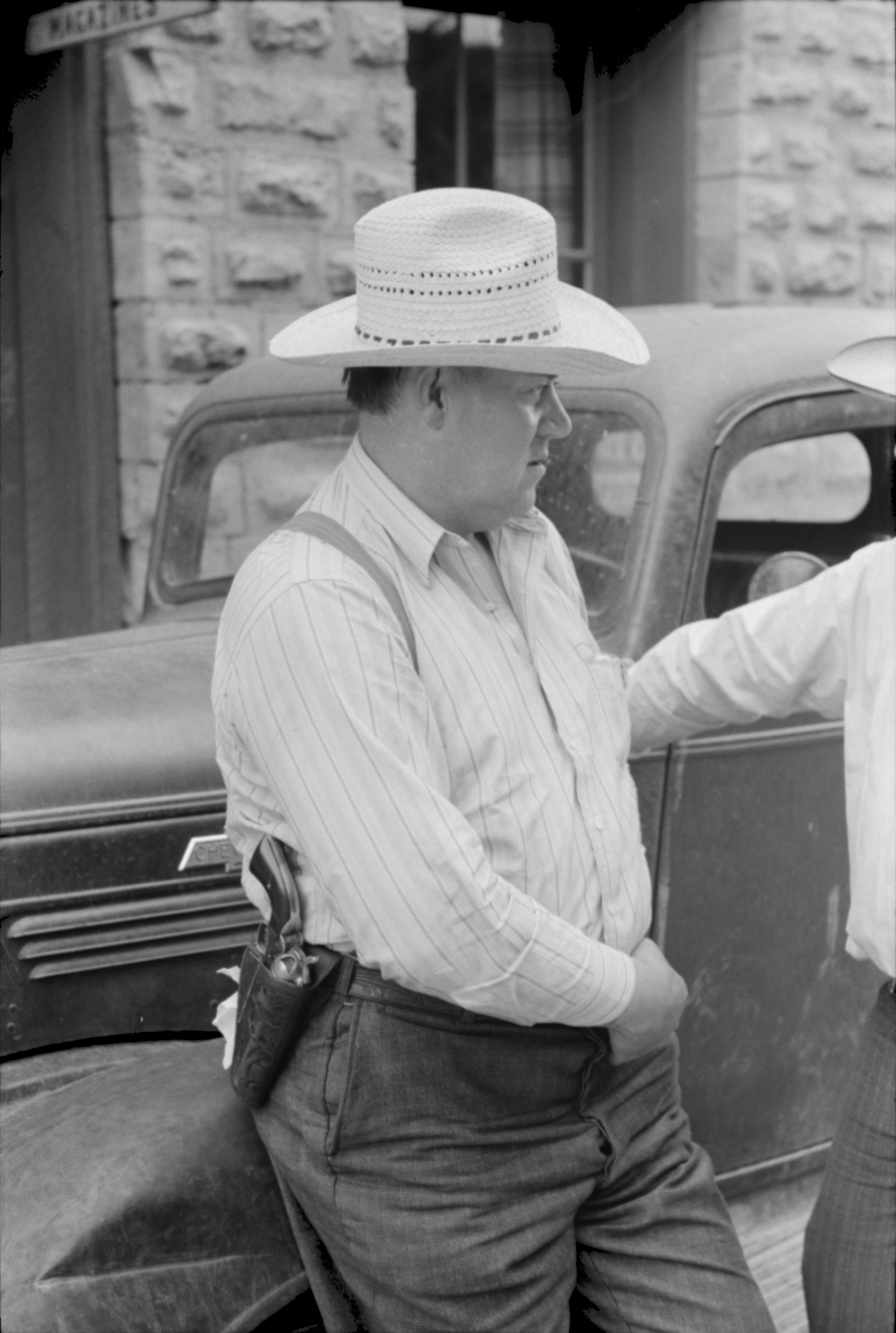
Imagine you live in a small rural town, where everyone knows everyone else, and the Sheriff  Alice cares for and looks after the citizens. While sitting on her porch she watches over Main Street, and notes when something seems out-of-place. With this knowledge she solves and prevents crime.

Unfortunately Sheriff Alice can't watch every street at once, so she gets Deputy Bob and Dylan on patrol, and they take note of everything they see. They report their observances to Sheriff Alice, and prevent crime.

The deputies also record and/or read the mail as it passes through the towns mail sorting centre. This helps them determine who is talking to whom, and what the topic of conversation is.

Unfortunately when criminal Eve sees the deputies, she doesn't commit crime, and she sends her mail in a unknown language. So the Sheriff appoints his deputies as undercover agents, to observe while concealed, and interpret the unknown language. Now they're getting better at preventing crime. Especially when they can keep all of their notes for an unlimited length of time.

So far, all of the deputies notes are of events occurring on public streets in plain view, and all of the mail is passing through a public service.

As far as we know PRISM is only capturing public digital traffic meta-data; looking for communication links and trends. So why is it so secret if it's doing nothing wrong?

What happens to the 5 zettabytes of captured data? If Citizen Carol decides to run for Mayor, and Sheriff Alice doesn't like the Carol (or the incumbent Mayor tells Alice not to like Carol), the deputies can troll through year's worth of historical notes of Carol's actions, often without context, with the purpose of smearing her public-image, or persuading Carol to withdraw from the race.

The surveillance program becomes a mechanism to maintain power with the incumbent powerful. Particularly useful if you wish to dictate policy over a small rural town.

Chrome and Tor

How To: Google Chrome and Tor was published on 08-Jan-2013, primarily after a query from a friend. It outlines how to use Tor to anonymise Google Chrome browsing. This would impede meta-data capture and big-data analysis of web-traffic, because the traffic would appear as originating from the Tor cloud, rather than a personal IP address. However, Tor only anonymises traffic, it does not encrypt it once it's outside the Tor cloud.

Pageviews increased around the time of PRISM disclosure on 06-Jun-2013.


Pageviews jump up in May, before the disclosure (I'm not really sure why). The traffic in May and June is almost exclusively new visitors (91%), spending an average of 3:30 on the post.

For a comprehensive list of PRISM prevention technology, including web-traffic encryption, see PRISM-BREAK.

Media Avoidance

Mainstream media has been focusing primarily on the messenger, and not the message. There are daily updates of the whereabouts of the  leaker, and opinions of whether he is a traitor or patriot. Not much attention has been paid to the PRISM program itself.

This could be because of confusion and misunderstanding of what PRISM is, how it works,  future ramifications, and what it implies about state-policy. As with most mainstream reporting, whether discussing politics, finance, pandas, or motor vehicle accidents,  if it can't be told in 30 seconds, it can't be told.

Media avoidance could also be considered a trust issue; between news producers and the viewing/reading public. Even if media executives understood the security and privacy issues of PRISM, maybe they don't trust their audience to comprehend (or care), and so they choose not to try to discuss so as not to confuse. Unfortunately the lowest-common-denominator wins, and the dumbening continues.

Conclusion

Please let me know what you think.

  • Do you anonymise or encrypt your web-traffic?
  • Should the media be explaining this better to the public?
  • Have you seen Sneakers?

Update

14-Jul-2013

Cameron Murphy (President of NSW Council Of Civil Liberties) spoke on ABC News24 at 13-Jul-2013 10:10AM about similar issues raised by Telstra surveillance

Tuesday, January 8, 2013

How To: Google Chrome and Tor

Tor (The Onion Router) is free software and an open network intended to enable online anonymity. The default browser bundle is the ESR version of Mozilla Firefox, which is good for privacy, but restricts functionality.

Security expert +Steve Gibson describes the benefits and structure of Tor in Security Now 70. The official Overview also outlines Why We Need Tor, and How It Works. And Wikipeida has a good summary or it's history, weaknesses, and legal issues.

The Tor Project strongly encourages the use of the Tor Browser Bundle instead of configuring your own browser. But, if you really want to use Chrome the following steps should help.
  1. Installation
    1. Follow standard procedure to install Tor
    2. Follow standard procedure to install Google Chrome (if you haven't installed already)
  2. Setup Tor
    1. Find the Vidalia application inside program folder Tor Browser / App
    2. Create a desktop or taskbar shortcut for the application (so you can start it easily or on startup; Vidalia is the Tor client GUI)
    3. Start Vidalia and ensure it can connect to the Tor network 
  3. Setup Chrome
    1. Start Chrome and add the Proxy SwitchySharp extension (or similar Proxy Switching extension; this will allow you to easily enable/disable Tor proxy)
    2. click to enlarge

    3. Go to Proxy SwitchySharp Options and setup a Tor proxy profile using:
      • Note: this is where this post differs from some others. You can confirm the settings required by reading Tor's configuration documentation, or by checking either Vidalia (Advanced Settings), or the Tor Browser (Firefox ESR) proxy settings.
  4. Operation
    1. Start Vidalia (using your shortcut from Step 2b)
    2. Start Chrome and enable your Tor Proxy profile (and possibly go Incognito)
    3. Check that Google Chrome is using Tor: https://check.torproject.org/

    4. Browse with anonymity (just a bit slower)
If you appreciate or benefit from The Tor Project then maybe consider volunteering or donating. :-)

ADDENDUM

You can configure your Tor client to select which nodes it uses to enter and exit the Tor network. This is useful if you want your IP address to appear to be from a particular country; enabling you to stream content which is restricted to (or excluded from) certain locations. An outline of this configuration process can be found at the official Tor Project FAQ, or for more detail search for "tor exit country".

Wednesday, January 2, 2013

Abrv: The Shortening

Old-school text-messaging led to the abbreviation of language. 4 eg u can read this :-)

But some common technology terminology is still spoken in long-form. And when mainstream media highlight a website, they sometimes use a lot of syllables. For example; telling folks to link to this website would sound like:
  • h-t-t-p-co-lon-for-ward-slash-for-ward-slash-dou-ble-u-dou-ble-u-dou-ble-u-dou-ble-u-dot-blog-ger-dot-com
29 syllables; most of them protocol; only 4 of them (14%) are site specific.

Proposal

So, I propose a verbal shortening for some common web words:
  • http = hittip
  • www = dubtrip
  • foward-slash = frash
Audibly this website then becomes:
  • hit-tip-co-lon-frash-frash-dub-trip-dot-blog-ger-dot-com
13 syllables; halving the spoken wordage.

Other tech terms could also be shortened:
  • back-slash = blash
  • hash-tag = tash
  • IPv4 = IP4 (we don't refer to Windows v8 or Mac iOS vX)
  • IPv6 = IP6
Every syllable counts! (Save time = save energy)

Thumbs Up

frash and blash are already listed in Urban Dictionary; but I've added these technology terms as alternate meanings. Feel free to give them thumbs up (no login required).

Monday, December 24, 2012

Virtual Reality vs Real Virtuality: The Virtual Visitor Information Centre

http://www.echonews.com.au/news/art-and-environment-captured-in-rainforest/1688343/
The Lismore Visitor Information Centre (VIC) recently revamped their indoor model rainforest walk into a vibrant, interactive display, featuring murals.

I'm calling this Real Virtuality (RV). Real in that it's a physical installation; Virtual in that it's emulating a rainforest. (Note: Wikipedia uses the term differently.)

To enjoy the RV experience though visitors need to visit the Visitor Information Centre. This implies the visitor is already physically in the area, and they have to take time out of their visit to find out what to do during their visit. Normally you would not expect the purpose of a visit to be checking out the local Visitor information Centre; rather to walk through a real rainforest.

Instead of spending $120,000 to refurbish an RV, let's consider how this could be used to develop a Virtual Reality (VR) experience. This could include:
  • Enriching Google Maps with local knowledge
  • Creating StreetView panoramas into the local rainforests
  • Adding web-mapping interactive content, such as historical or site-specific photos and local stories
This might've all been possible for less than $120,000, and encouraged an open-knowledge community-approach to tourism. Plus it could benefit the local population and students wherever they are, and possibly encourage them to access the real rainforest.

Advantages:

  1. Openness - encourage local community to contribute and update content
  2. Reachability - available to all visitors with an internet connection (including people in the VIC)
  3. Cost - low on-going hosting fees (depending on services used; need to consider cost of authorised content changing)
  4. Updatability - content can be easily modified

Disadvantages:

  1. Copyright and privacy issues (of uploaded panoramas)
  2. Limited viewing space (user-dependent mobile devices; but they can always ask for a real map at the VIC where large screen interactive displays are installed)

Maybe this could be a future direction. What would you want in a virtual Visitor Information Centre?

Saturday, November 17, 2012

Change Management: The teacher becomes the student

http://www.fotopedia.com/items/flickr-2572841582
After teaching high school students about computer hardware and programming languages for 20 years I am now practicing what I preached!

This week I started working as a Technical Support Officer in the Administrative Systems team of Southern Cross University. I'm learning about managing system environments, modifying and applying upgrades to corporate software, and providing advice and operational support to clients for Corporate Services applications and other related systems.

Conceptually I understand what is happening, but learning the nitty-gritty details will take time. Fortunately, one of my tasks is to update and develop documentation, so I have time to delve into the details. And to put the theory from the classroom into practice is very exciting! A highlight was a guided tour by one of the Senior IT Admins into the corporate data-centre.

Leaving the high school system has meant a change of environment, and work practice. It has also meant moving from blogED to blogspot; I assume my DEC account will be disabled, and at end-of-year when blogED is archived I will be unable to access the content (and drafts).

Getting content into blogger was not as easy as I expected. Text, image, and video data was fine, but using tables with CSS had specific quirks, requiring some fine-tuning. And tracking down some of the original content for some posts took some time.

In future I'm considering how to incorporate an audio edition (podcast) to blog posts; just need a convenient way to implement RSS. Things will continue to change ...

Thursday, January 12, 2012

Q: To BlogED or Not To BlogED

A: Since 28-Aug-2010 I've been blogging using the service developed by my employer.

I've written about the value of teachers and students using the blogED service to display their work and start conversations, and this has motivated some of my students, and created discussion about appropriate online comments and privacy concerns.

However, for my personal use I've decided to try other providers, and after considering wordpress, my ISP, and some other choices, I'm going with blogger, mainly because it links into Google+.

The catalyst for this change was that the blogED service archives all blogs during the December-January vacation, and unless I have prior written consent from my principal, I can't create or edit any posts.

When I emailed the IT helpdesk about this a senior support analyst advised why this was necessary:

The “No blog creation” option is business decision.   The reason is that during the summer holidays the student rollover process is executed to include the new year students. As the process was completed last week the provisioning for all staff/students/groups to blogED has commenced this week. Until this process is complete, however, the new students/groups won’t be available to the staff to add to blogs.

I understand there are also (legal) privacy issues, where school staff are not allowed to communicate with the students during this school holiday period. We have, however, escalated the issue for you.

Email 11-Jan-2012 9:51AM
name withheld as analyst did not respond to invitation to discuss this issue on corporate micro-blogging service

BlogED must be a complex machine, trying to authenticate staff and students and allow permission rights. So to avoid that hassle, I'll start using blogger.

I guess I'll also transfer old posts here and back-date them. Apologies that I won't be able to republish comments, but I might include them at the bottom of the posts.